Need Some Help?
Search for answers using the search box below.
Creating a New Job from an Assembly
A new job can be created from parts that have been exploded from an assembly.
Open the assembly by using File > Open or by using the keyboard shortcut O.
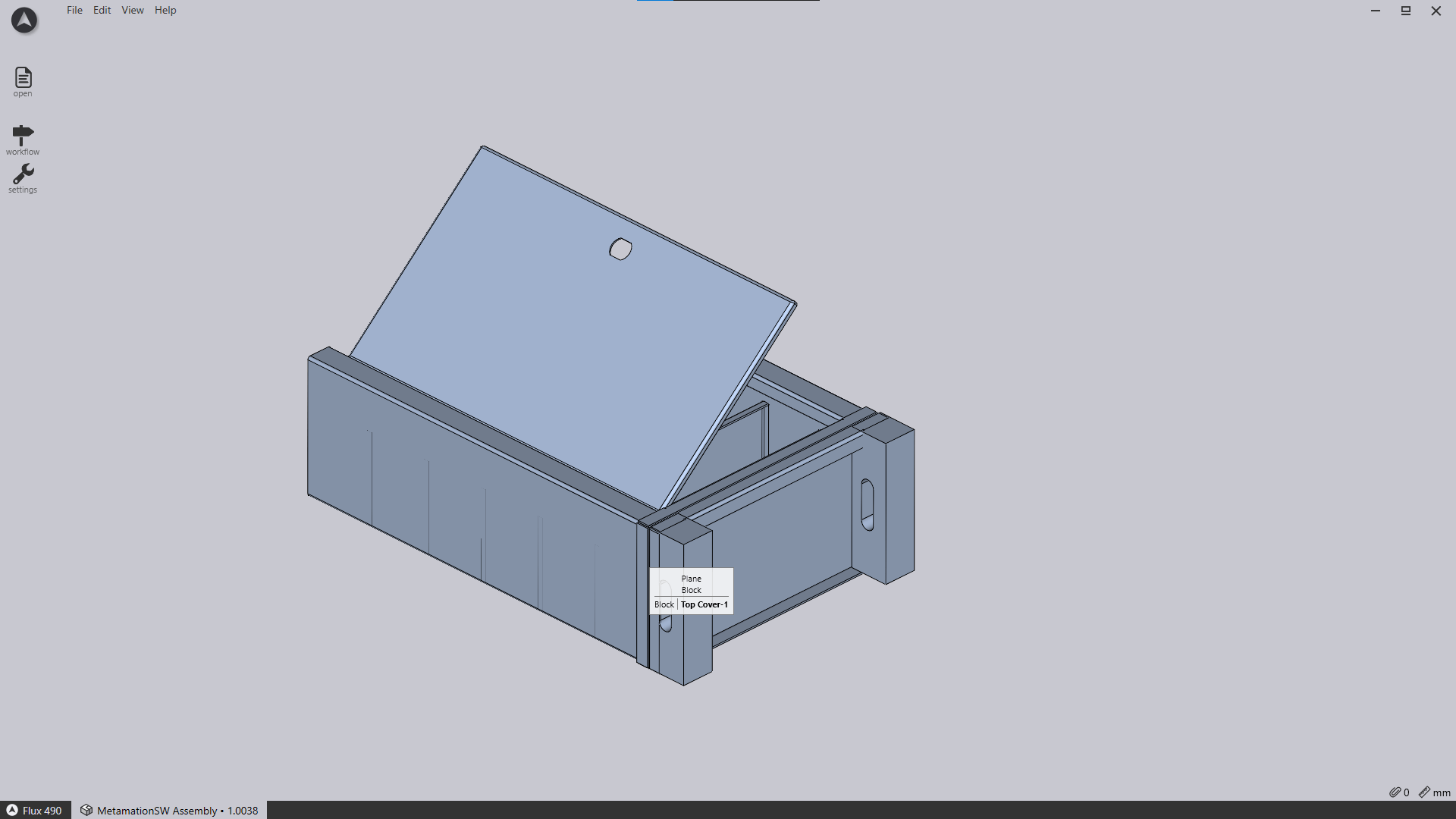
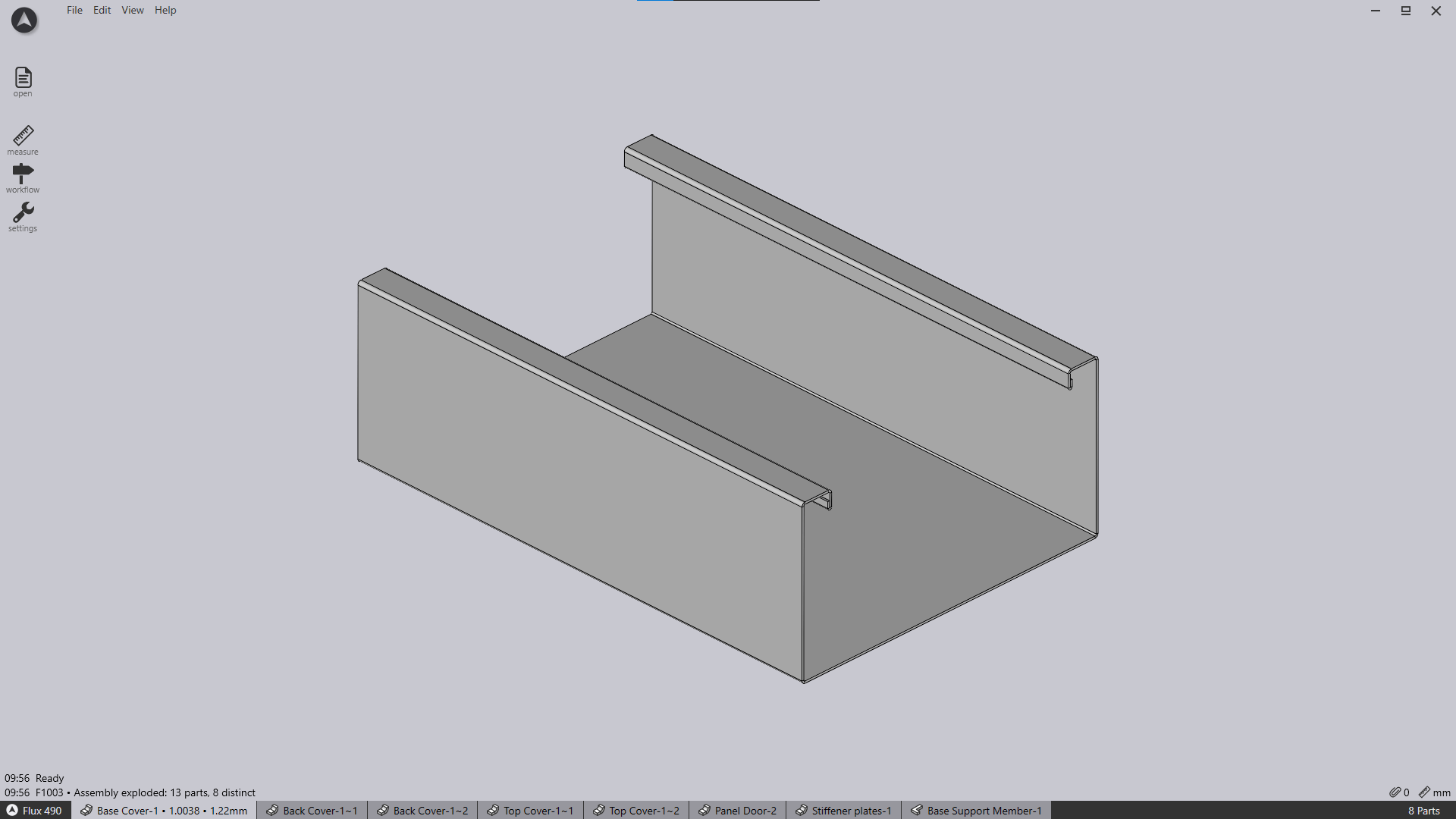
Press the keyboard shortcut X on your keyboard to explode the assembly.
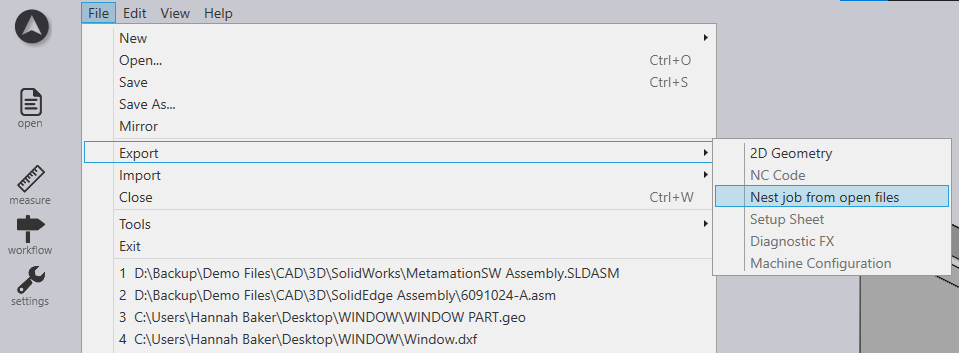
Click on File > Export and select the option ‘Nest Job from open files’.
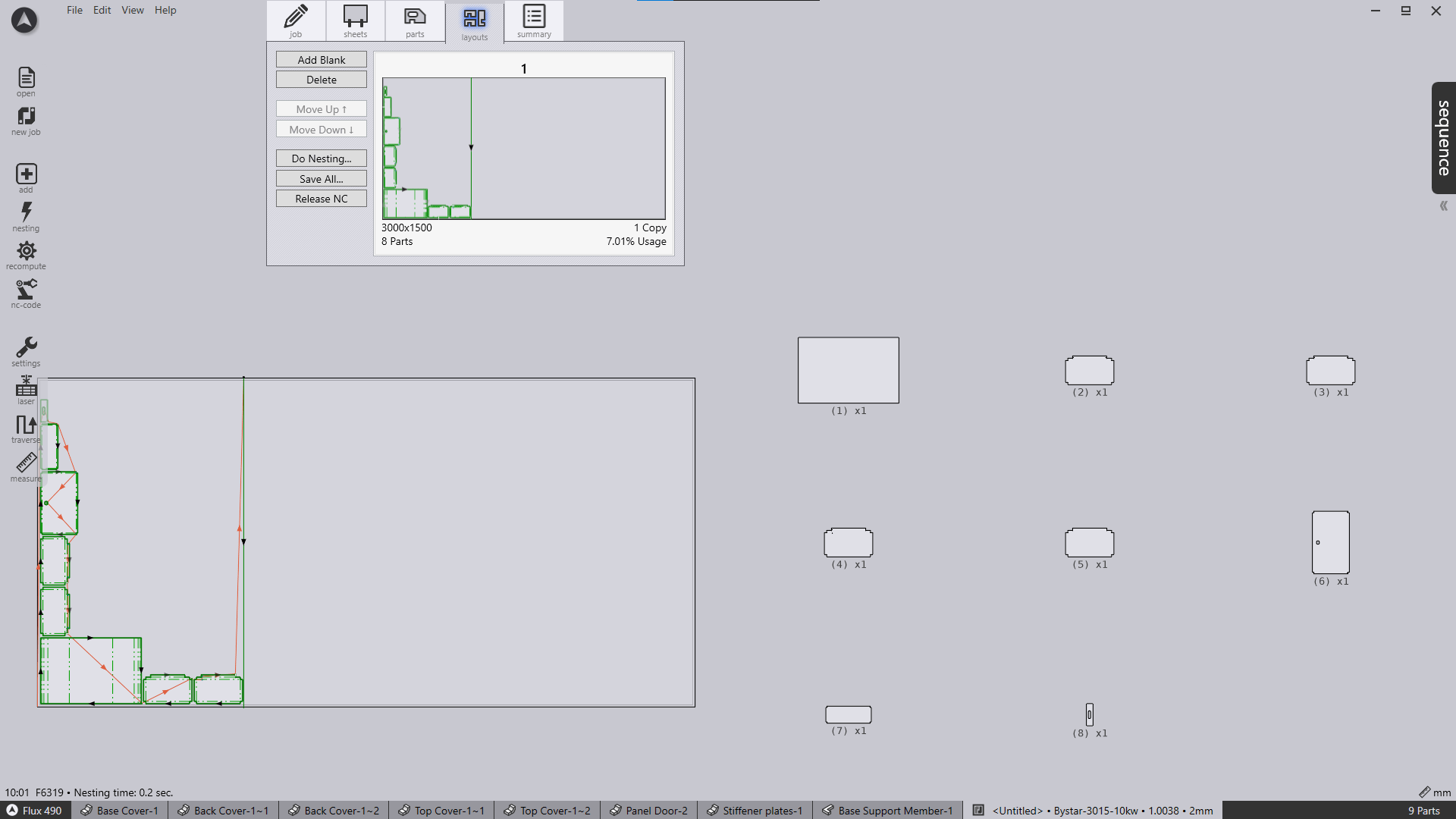
Once exported, all parts from the assembly will appear inside a new nest job inside the Parts list.
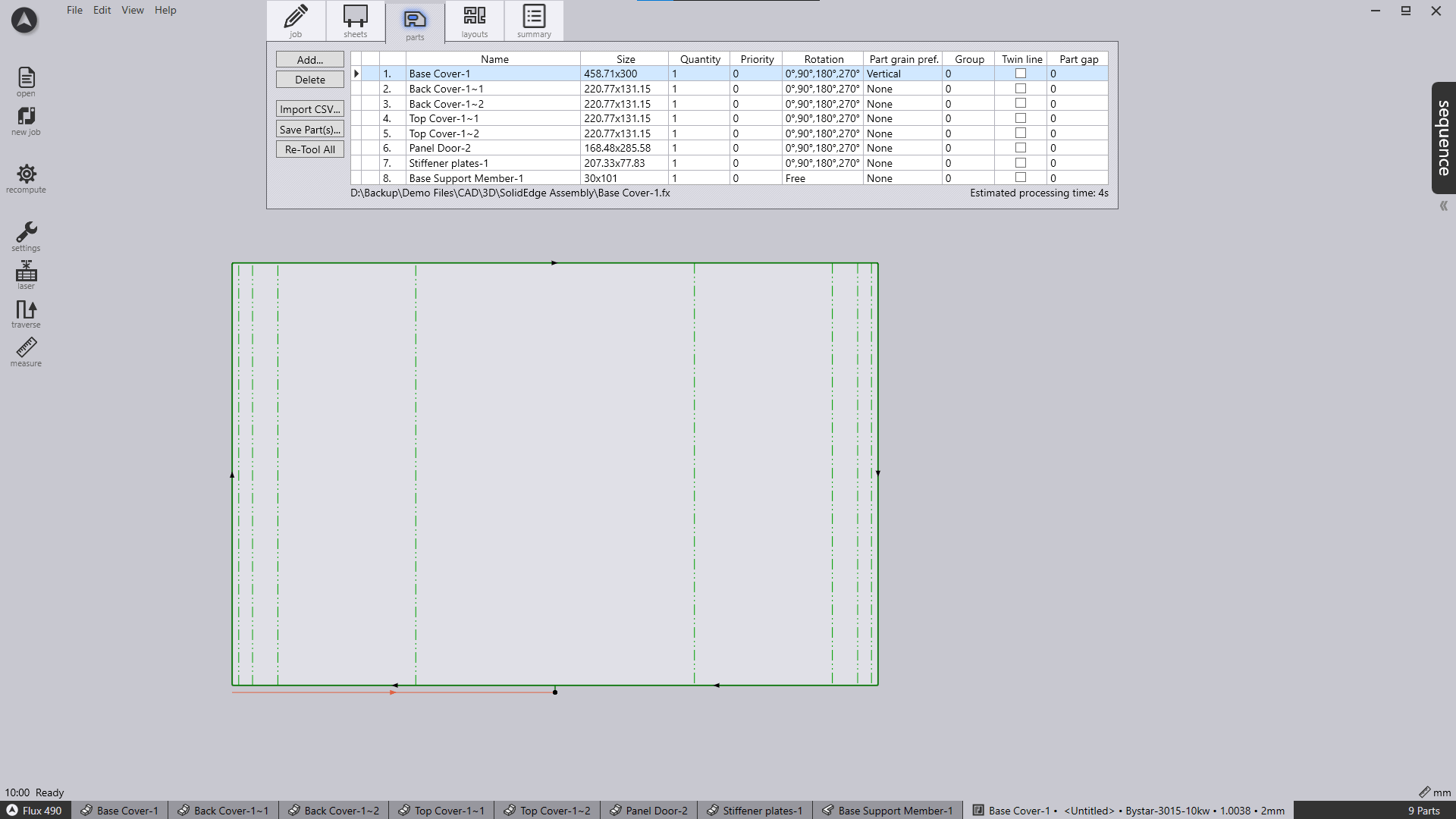
Click on the layouts tab to view the nest.